Nobody’s listening
Multi-lingual, work-safe transcription.
Other tools upload audio. Vox doesn’t.
- Price Beta — free to download (limited time) · no subscription
- Privacy All transcriptions stored on your device.
- Languages English, French, German, Italian, Spanish, Portuguese, Greek, Dutch, Polish, Chinese (Mandarin), Japanese, Korean, Vietnamese, Arabic
- Works in Any macOS text field
- Word error rate 5.42%
- Speed Near real-time transcription. Improved performance on M1 chips or higher.
- Platform Apple Silicon only · macOS 11+
- Model Cohere Transcribe — 2B-parameter open-weight ASR. Quantized GGUF runs locally after install; no cloud inference.
| Vox | Wispr Flow | Granola | Apple Dictation | |
|---|---|---|---|---|
| Price | Free (beta, limited time) | $15/month | $14/month | Free |
| Local / private | ✓ | ✗ | ✗ | ~ |
| Any text field | ✓ | ~ | ✗ | ~ |
| Fourteen languages | ✓ | ✗ | ✗ | ~ |
| Works offline | ✓ | ✗ | ✗ | ~ |
FAQ
Which Macs does Vox support?
Apple Silicon Macs running macOS 11 or newer. Transcription speeds are comparable to Wispr Flow on M2 chips and higher.
Is Vox free during beta?
Yes. Vox is free to download during the public beta (limited time). There is no subscription.
How big is the download?
The Vox installer (DMG) is about 118 MB. On first run, setup also downloads the on-device speech model (~1.5 GB) once.
Do I need internet every time?
No. Internet is needed for first-run model download. After that, transcription works offline.
What permissions does Vox need?
Microphone (record while you hold the hotkey), Accessibility (type at your cursor in any app), and Input Monitoring only if you choose Fn as your hotkey.
Does Vox upload my voice?
No. Audio is transcribed on your Mac and is not uploaded.
Where is my data stored?
On your Mac, locally, in two places:
- ~/Library/Application Support/Vox/ — transcripts and settings.
- ~/.vox/ — the on-device speech model (~1.5 GB) and engine binaries.
The Settings → System → Uninstall button removes both, plus cached files and macOS permission grants, in one click.
What languages are supported?
Fourteen: English, French, German, Italian, Spanish, Portuguese, Greek, Dutch, Polish, Chinese (Mandarin), Japanese, Korean, Vietnamese, and Arabic.
How do I dictate into any app?
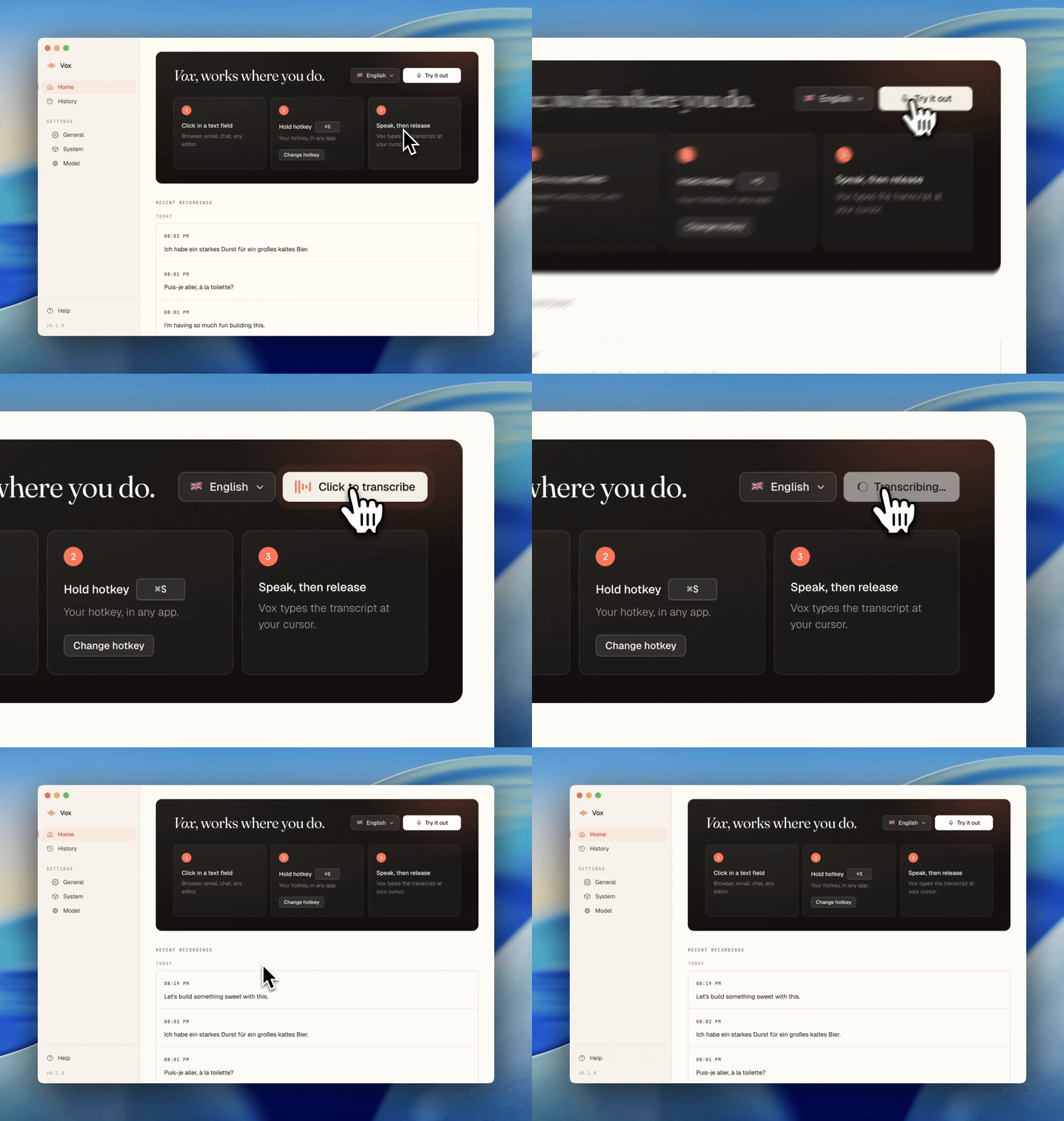
Put the cursor in a text field, hold your hotkey, speak, and release. Vox types where your cursor is focused.